

In transit means the carrier is moving your package between facilities (origin hub, sort centers, destination station), but it is not out for delivery yet. A delivery exception means a temporary problem, like weather or a bad address, interrupted that route. That is the in transit meaning, and Shipixy shows both statuses for UPS, FedEx and USPS in one platform.
Key takeaways
- In transit is a normal, healthy status: the package was scanned into the carrier network and is moving toward the destination, often with 24 to 72 hours between scans on long ground legs.
- A delivery exception means an unplanned event (weather, damaged label, incorrect address, closed business, customs hold) changed the expected delivery date. Most resolve in 1 to 2 business days.
- Exceptions caused by the address or recipient usually need action from the shipper or receiver; exceptions caused by weather or carrier volume usually do not.
- If a package shows no new scan for 5 or more business days past its expected date, treat it as a potential loss and open a carrier trace or claim.
What does in transit mean on a tracking page?
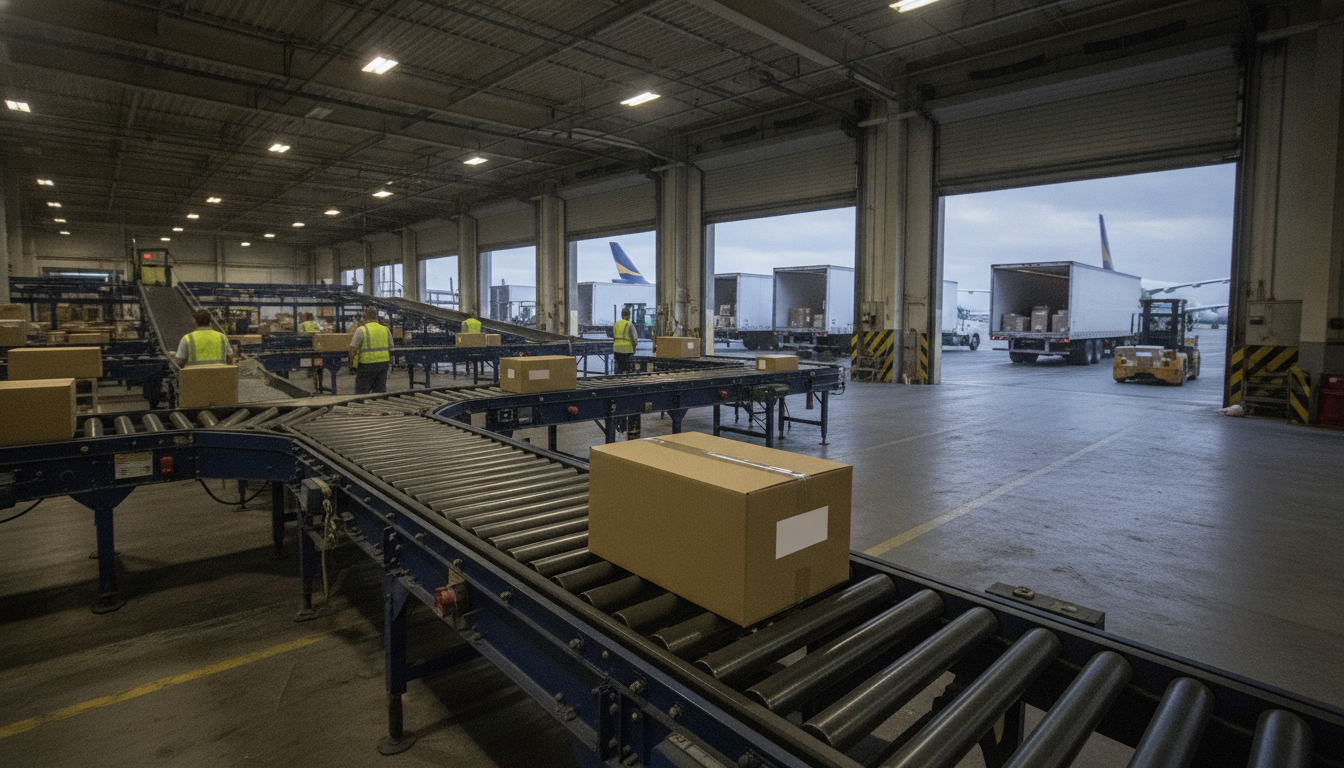
A tracking scan is a barcode read that records where a package is and when. Every scan after the first pickup or acceptance scan and before the final out-for-delivery scan falls under the in transit stage. During this stage the package is riding in a linehaul trailer or aircraft (the long-distance leg between hubs) or being sorted at a hub (a large facility that routes packages to the next leg).
Carriers describe this stage with different words. UPS uses "On the Way" and "In Transit". FedEx shows "In transit" along with facility events like "Departed FedEx hub". USPS shows granular events such as "In Transit to Next Facility", "Arrived at USPS Regional Facility" and "Departed USPS Regional Facility". All of them mean the same thing: the package is in the carrier's hands and moving.
What a normal in transit scan history looks like
Here is a realistic UPS Ground history for a 4 lb box shipped from Newark, NJ to Phoenix, AZ (a Zone 8 lane with a 5 business day transit time):
| Day | Scan event | Location | What it means |
|---|---|---|---|
| Mon 6:40 PM | Shipper created a label | United States | Label exists, package not yet scanned |
| Mon 9:15 PM | Origin scan | Newark, NJ | Carrier has the package. In transit starts here |
| Tue 3:02 AM | Departed from facility | Newark, NJ | Loaded on a westbound trailer |
| Wed 11:48 PM | Arrived at facility | Hodgkins, IL | Sorted at a major hub after roughly 44 hours with no scan |
| Thu 4:10 AM | Departed from facility | Hodgkins, IL | Next linehaul leg |
| Sat 1:30 PM | Arrived at facility | Phoenix, AZ | Destination building reached |
| Mon 7:55 AM | Out for delivery | Phoenix, AZ | On the local truck. In transit ends |
Notice the gap between Tuesday morning and Wednesday night. Nothing is wrong. Packages are rarely scanned while sitting inside a moving trailer, so a cross-country ground shipment can go two days without an update and still arrive on time.
How long can a package stay in transit?
How long the in transit stage lasts depends on the service level and the shipping zone (the distance band between origin and destination, from Zone 1 or 2 for local up to Zone 8 for cross-country). These are the published business day ranges for common domestic services, plus the scan gaps you should expect in practice.
| Service | Typical transit (business days) | Normal gap between scans | Worth checking if no scan for |
|---|---|---|---|
| UPS Ground | 1 to 5 | Up to 48 hours | 3 business days |
| FedEx Ground | 1 to 5 (up to 7 to Alaska and Hawaii) | Up to 48 hours | 3 business days |
| USPS Ground Advantage | 2 to 5 | Up to 72 hours | 4 business days |
| USPS Priority Mail | 1 to 3 | Up to 48 hours | 3 business days |
| UPS Next Day Air, FedEx Priority Overnight | 1 | A few hours | End of the scheduled delivery day |
Weekends and carrier holidays stretch these numbers. A ground package that arrives at a hub on Friday evening may not move again until Sunday night or Monday, because UPS Ground and FedEx Ground do not count weekends as transit days for most business lanes. For more on what slows the UPS network specifically, see our breakdown of why UPS packages are delayed.
What does delivery exception mean?
A delivery exception (FedEx also uses "shipment exception", UPS shows "Exception" or "Delay") is a status the carrier applies when an event outside the normal plan affects the package. It does not mean the package is lost or damaged. It means the original estimated delivery date may no longer be valid.
The exception message almost always tells you the cause. Reading it closely is the fastest way to know whether you need to act.
| Exception reason (typical wording) | What happened | Who needs to act | Typical delay |
|---|---|---|---|
| Severe weather conditions have delayed delivery | Storm, flooding or closed roads near a hub or the destination | Nobody. Wait | 1 to 3 days |
| The receiver's address is incorrect or incomplete | Missing suite or apartment number, wrong ZIP code, street that does not exist | Shipper or receiver must correct it | 1 to 2 days after correction |
| Customer not available or business closed | Driver attempted delivery, nobody could sign or the business was closed | Receiver, or carrier reattempts next business day | 1 business day per attempt |
| Package was missed at the facility / missorted | Package did not make its scheduled trailer or went to the wrong hub | Carrier | 1 to 2 days |
| Damaged label, unable to read | Barcode smeared, torn or covered by tape | Carrier relabels; shipper may be contacted | 1 to 3 days |
| Local delivery restriction | Gated community, secure building, military base or holiday closure | Receiver may need to provide access | 1 to 2 days |
| Clearance delay / held by customs | International package waiting on customs review or duty payment | Receiver or importer | Varies from hours to weeks |
Address problems are the exception you can prevent most often. A missing unit number on an apartment delivery is the classic cause, and carriers can bill the shipper a per-package address correction charge listed in their surcharge tables. Our guide on how to address a package properly covers the exact format carriers want.
In transit vs delivery exception vs out for delivery
These three statuses sit next to each other in the tracking timeline, and they are easy to confuse. This table shows the practical difference.
| Status | Where the package is | Is the delivery date still valid? | Should you act? |
|---|---|---|---|
| In transit | Between facilities or on a linehaul trailer or plane | Yes, usually | No, unless scans stop well past the expected date |
| Delivery exception | Anywhere in the network, including the destination station | Possibly not; the carrier may post a new date | Depends on the reason in the message |
| Out for delivery | On the local delivery vehicle | Yes, delivery expected that day | Only be available to receive it |
If you want the details on the final stage, including delivery windows and what happens when a driver runs out of time, read our explainer on what out for delivery means.
How do UPS, FedEx and USPS word these statuses?
| Stage | UPS | FedEx | USPS |
|---|---|---|---|
| Moving through network | On the Way, In Transit, Departed from Facility | In transit, Departed FedEx location, At local FedEx facility | In Transit to Next Facility, Arrived at / Departed USPS Regional Facility |
| Running behind | Delay: running later than expected | Delay, Delivery updated | In Transit, Arriving Late |
| Exception | Exception, Action Required, The receiver's address is incorrect | Delivery exception, Shipment exception, Incorrect address | Alert: Delivery Attempted, No Access to Delivery Location, Notice Left |
You can confirm any wording directly on the carrier sites: UPS Tracking, FedEx Tracking and USPS Tracking. For a full list of USPS events, including "Forwarded" and "Available for Pickup", see our USPS tracking statuses guide.
What should you do after a delivery exception?
- Read the exact exception reason. Open the full scan history, not just the summary line. The reason code tells you whether this is a weather wait or an address fix.
- Check the new estimated delivery date. Carriers often update it within a few hours. If a new date appears and the reason is weather or volume, no action is needed.
- Fix address or access problems the same day. If the reason mentions an incorrect address, contact the carrier with the tracking number and the corrected address (suite, apartment, gate code). Same-day corrections usually keep the delay to one business day.
- Tell the recipient what happened. A short proactive message prevents a support ticket (template below).
- Watch for a hold. After failed attempts, packages are often moved to a pickup location. UPS typically makes up to three attempts before holding the package, and USPS usually holds items at the post office for about 15 days. See how long UPS holds packages for the hold timeline.
- Escalate if nothing changes. If there is no new scan 5 business days after the exception, request a trace from the carrier and prepare a claim.
Copy-paste message for your customer
"Hi [Name], your order [#1234] is on its way but the carrier flagged a delay: [exception reason, for example severe weather near the Memphis hub]. The new estimated delivery date is [date]. We are watching the tracking and will update you if anything changes. Tracking: [number]."
When does "in transit" turn into a lost package?
A package that stays in transit with no new scans is not automatically lost. Carriers sometimes miss scans when a package rides through a hub without being read. Here is how long to wait before treating it as missing:
- UPS and FedEx Ground: wait until at least 1 business day after the scheduled delivery date, then request a trace. Most turn up within 3 to 5 business days.
- USPS: submit a Help Request after the expected delivery date has passed. If that does not locate it, file a Missing Mail search, usually 7 days after mailing. Our USPS lost package guide walks through both forms.
- Express and overnight services: contact the carrier the same day the delivery commitment is missed, since many express services carry a money-back guarantee that has a short claim window.
If the package is truly gone, you will need proof of value and the tracking number. Our step-by-step guide on how to file a shipping claim with UPS, FedEx or USPS lists the documents each carrier asks for. Packages that cannot be delivered after an unresolved exception may also go back to the shipper; see return to sender explained for why that happens.
How can shippers prevent delivery exceptions?
- Validate addresses before printing the label. Confirm the ZIP+4 and require a unit number field at checkout for apartment buildings.
- Mark residential vs commercial correctly. A business address shipped on a Saturday is a common "business closed" exception.
- Protect the label. Place it flat on the largest face, never across a box seam, and use clear tape only around the edges so the barcode stays readable.
- Add a recipient phone number. Drivers and customer service use it to resolve access issues without returning the package.
- Build buffer around weather and peak season. In December, add 1 to 2 business days to promised delivery dates for ground services.
- For international parcels, prepare the recipient for duties. Shipixy international shipments are DDU (Delivered Duty Unpaid), so the recipient pays duties and taxes to customs. Telling them upfront avoids clearance exceptions. If one happens anyway, see what to do when a package is stuck in customs.
For carrier comparisons, transit times and costs across the whole country, start with our US domestic shipping guide, and browse more tracking and delivery explainers on the Shipixy blog.
Frequently asked questions
Does in transit mean my package is on the way to me?
Yes. In transit means the carrier has the package and is moving it toward your destination through its facilities. It is not on the local delivery truck until the status changes to out for delivery.
Is a delivery exception bad?
Not usually. Most exceptions are short delays from weather, a missed sort or a failed delivery attempt and resolve within 1 to 2 business days. Only address problems and customs holds typically need you to do something.
Why has my package been in transit for days with no update?
Packages are rarely scanned while riding in a trailer, so cross-country ground shipments can go 48 to 72 hours between scans. If there is still no update a few business days after the expected delivery date, contact the carrier for a trace.
Will I get my package after a delivery exception?
In the large majority of cases, yes. The carrier will either reattempt delivery, hold the package at a pickup location, or, if the issue is never resolved, return it to the shipper.
Can the shipper fix a delivery exception?
Often, yes. The shipper can contact the carrier to correct an address, provide a phone number or request a hold, and on platforms like Shipixy the shipper can also track the package and file a claim if it is lost.
Ship with fewer surprises. Quote, book and track UPS, FedEx and USPS shipments in one place, with discounts up to 75% depending on the service and no subscription fees. Create your free Shipixy account and see every tracking status, claim and protection option from a single platform.